On this page
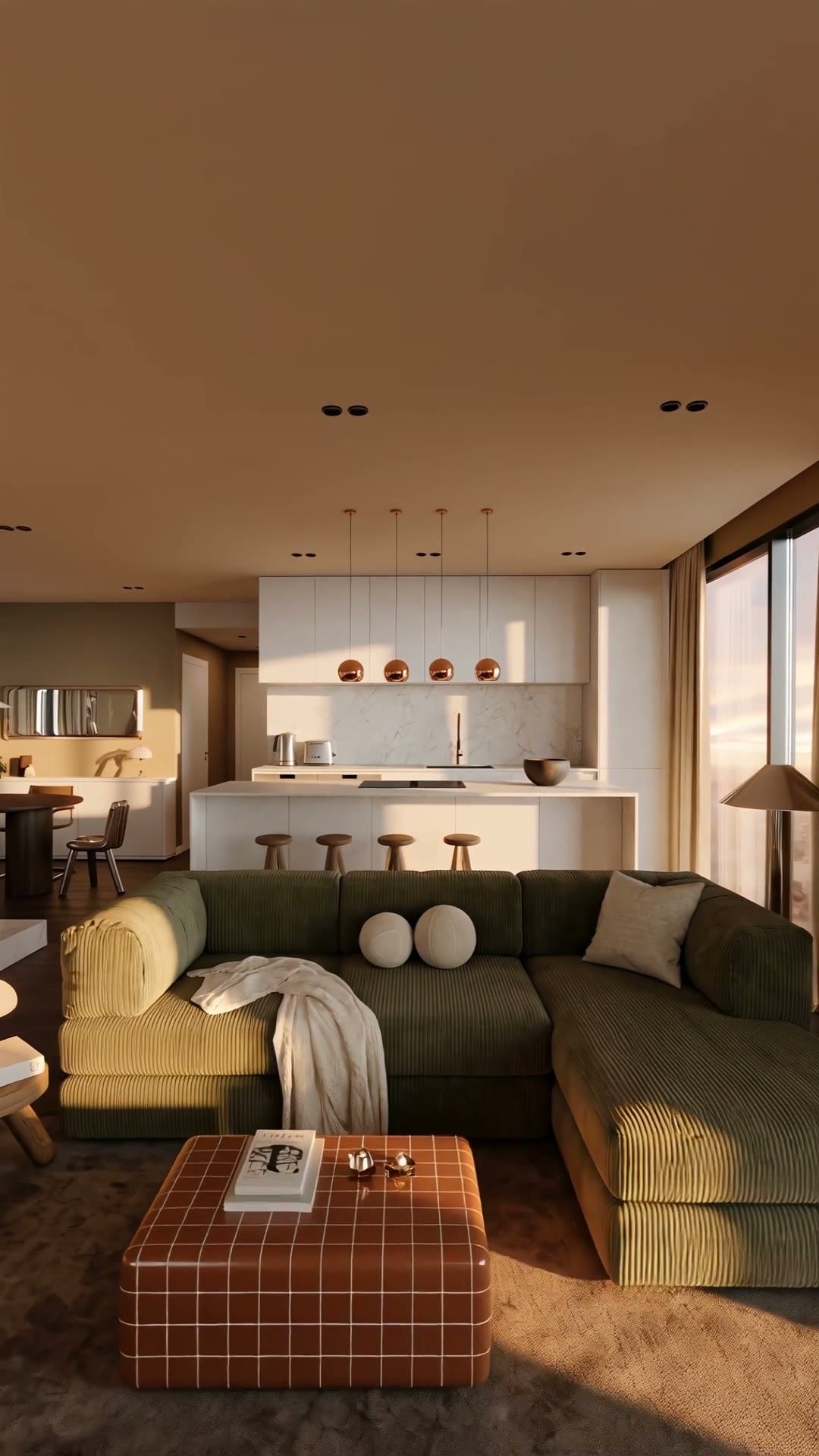
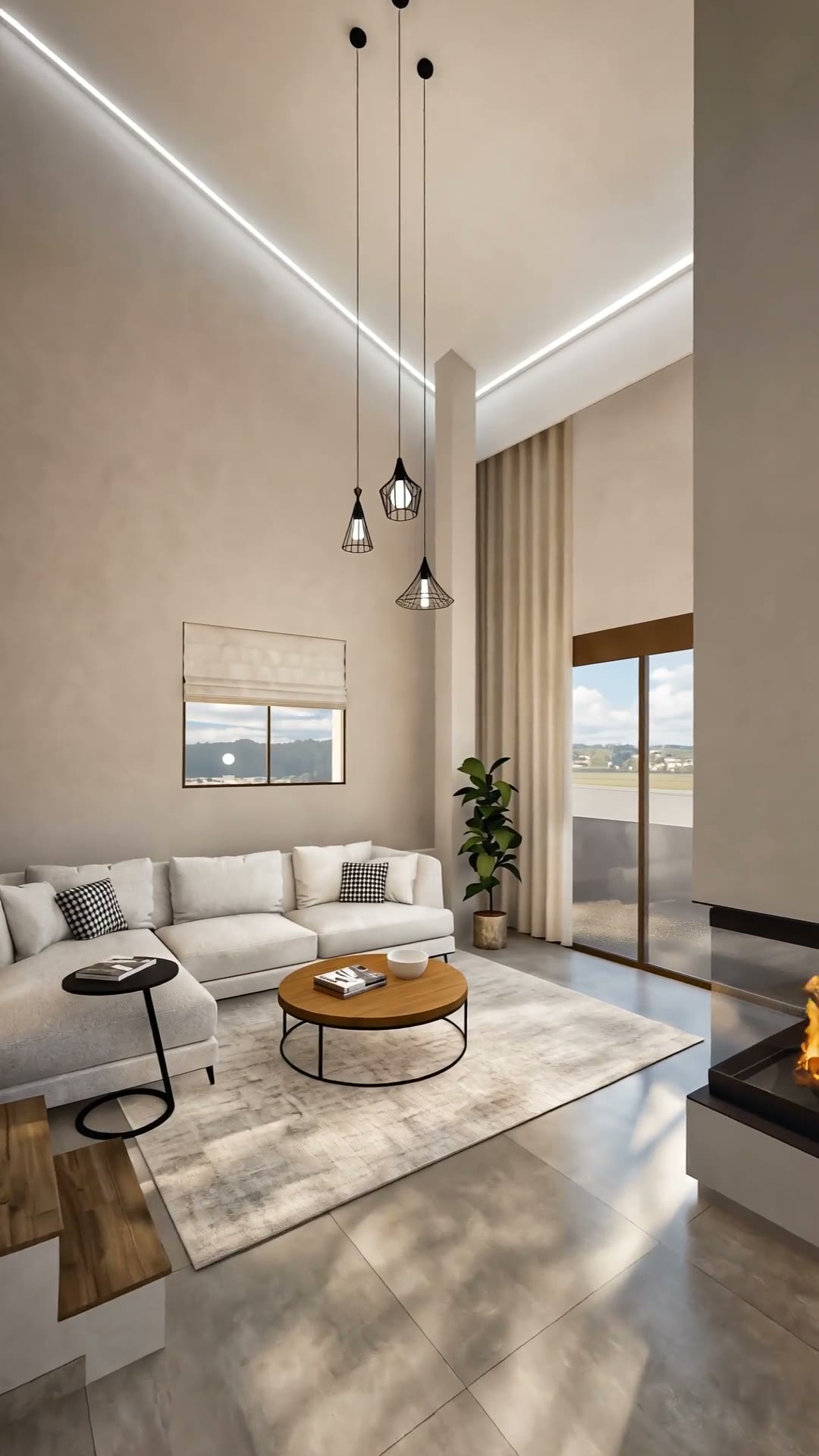
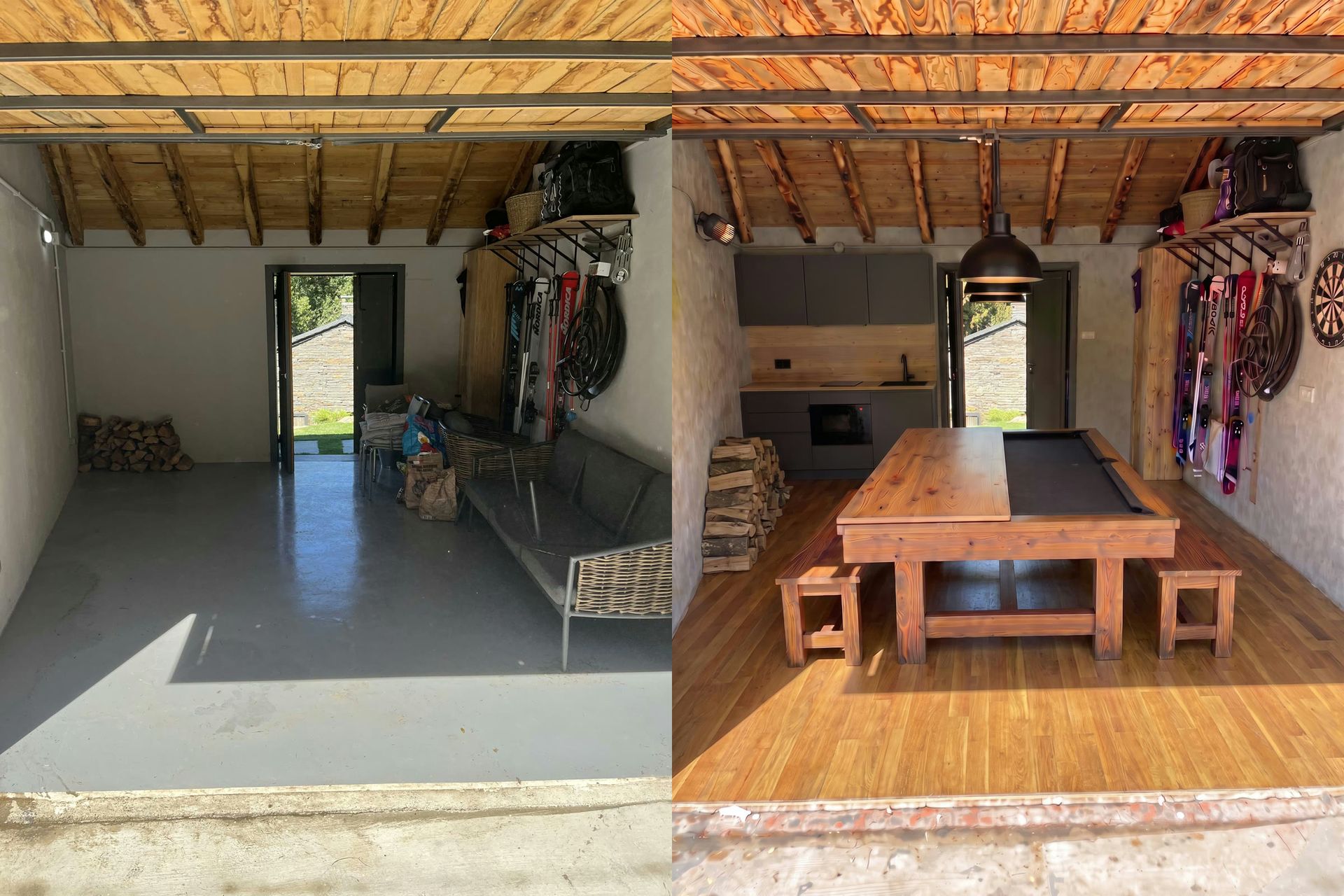
An empty apartment is hard to sell on video. Bare walls make rooms look smaller, and buyers struggle to picture the space. Virtual staging fixes the photos; this guide shows how to go one step further and turn staged photos into a virtual staging video: a furnished walkthrough of a room that is actually empty.
The workflow uses two Lupa tools: the image editor to stage each room, and Space Motion to turn the staged rooms into a video.
Step 1: photograph the empty rooms well
Staging can't fix a bad photo. Shoot wide, level shots from a corner, with the lights on and the blinds open. Keep the floor visible: the AI needs it to place furniture convincingly.
Step 2: stage each room in the image editor
Open the photo in the image editor and describe the furniture you want. Be specific about style, and tell the model what must not change.
Furnish this empty living room in a warm Scandinavian style: a light grey three-seat sofa facing the window, an oak coffee table, a wool rug, two armchairs and a floor lamp. Keep the walls, floor, windows, doors and ceiling exactly as they are. Realistic photograph.
A few tips:
- One room style per listing. Mixing styles between rooms looks fake in a video.
- Use Regional edit to change only part of the room, for example adding a rug without touching the sofa.
- Use Crop & Expand if a photo is too tight and the room needs more breathing space at the edges.
- Compare before and after carefully. If a window moved or the floor changed, generate again.
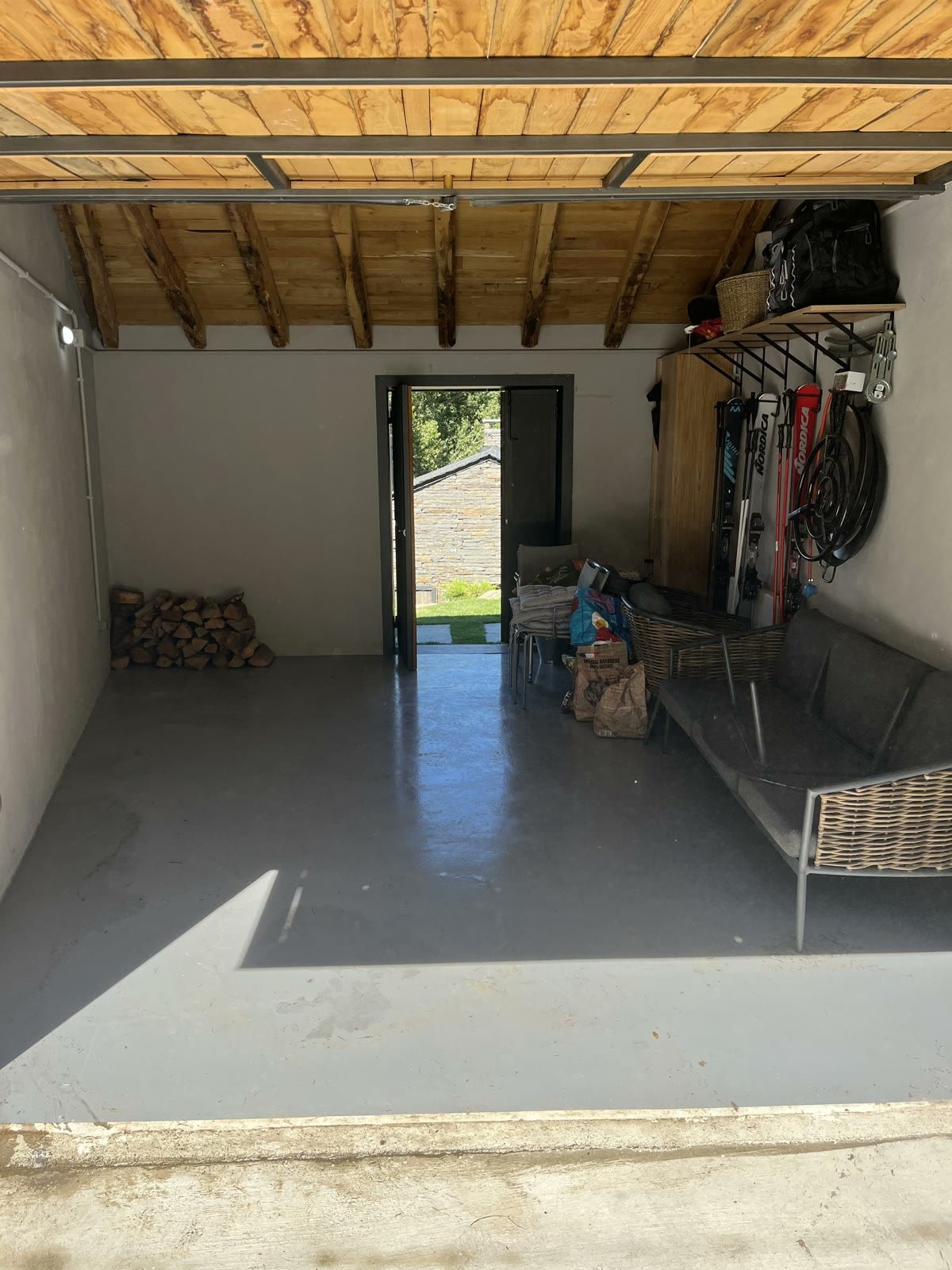
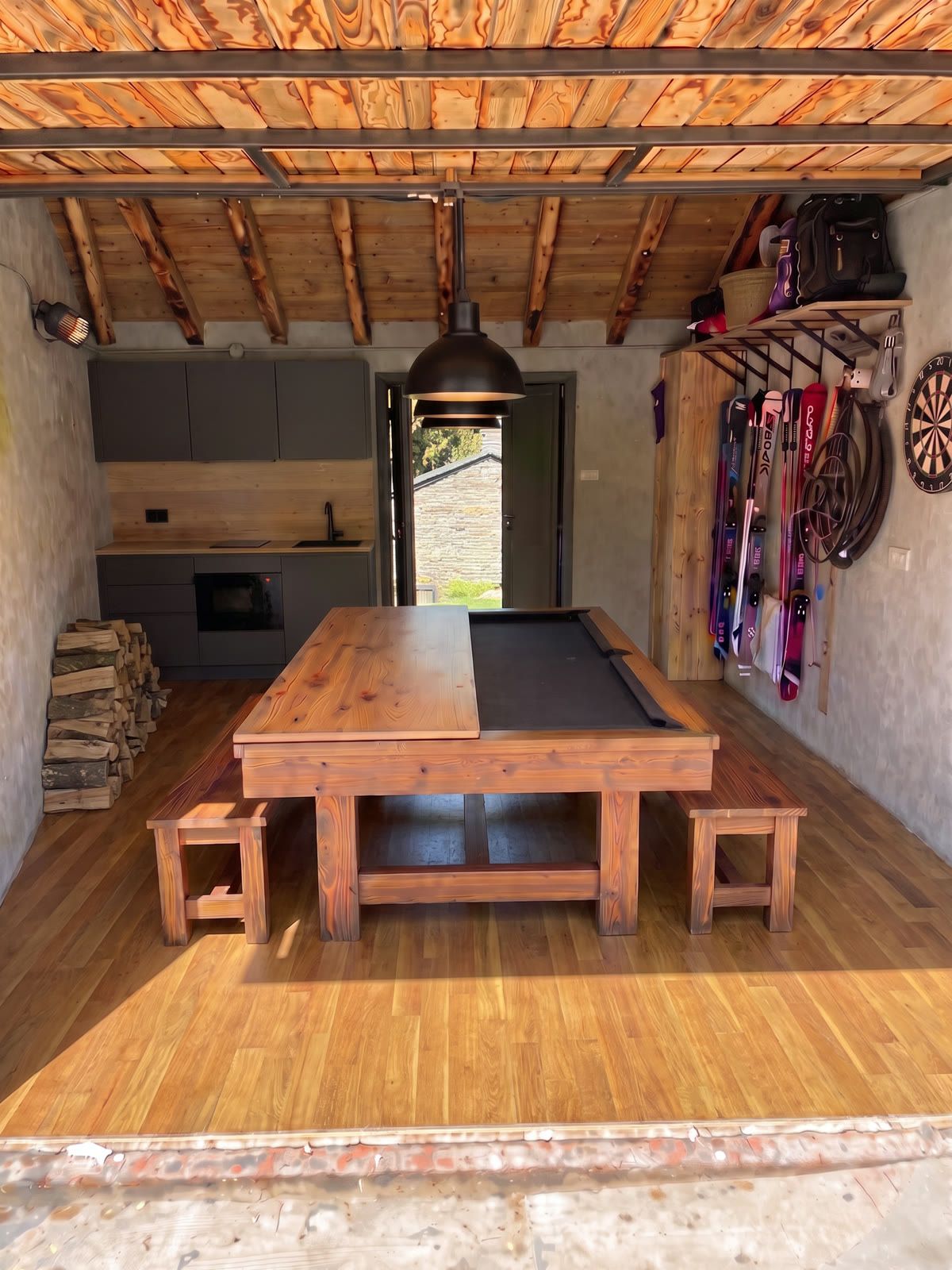
Step 3: turn the staged rooms into a walkthrough
Create a Space Motion project and upload the staged photos as scenes, in the order of a real visit. Then:
- Generate a few close-ups per room: the texture of the rug, a lamp, the coffee table. They are created from your staged photo, so they match the furniture.
- Keep camera moves subtle: a Push In for each room and one Orbit for the main piece of furniture. Staged furniture holds up best with gentle movement.
- Pick Cinematic for a calm, premium feel, and generate.
You need at least 5 images to generate, and 8 or more gives the best edit. See how to make a real estate video from photos for the full Space Motion workflow.
Which rooms should I stage first?
You don't need to stage every room. Staging costs time and tokens, so focus where it changes a buyer's perception the most:
- The living room. It's usually the first shot and the room buyers imagine themselves in. An empty living room looks smaller than it is.
- The main bedroom. A bed gives the room scale instantly; without it, buyers struggle to judge whether a king-size bed will fit.
- The dining area or open-plan kitchen. A table and chairs show how the space works day to day.
Bathrooms, hallways and kitchens with fitted units usually look fine empty. Leave them as they are and let Space Motion's close-ups add rhythm instead. For a short social video, three staged rooms plus two or three unstaged ones is plenty.
How do I keep the video honest?
Virtual staging sells a possibility, not the current state of the property. Keep it honest:
- Don't hide defects (cracks, damp, dated fixtures) with staging.
- Don't change the architecture: no extra windows, no bigger rooms.
- Label staged images and videos clearly in your listing. Rules vary by country and portal, so check yours.
- Keep the original empty photos in the listing too.
Can I change the light as well?
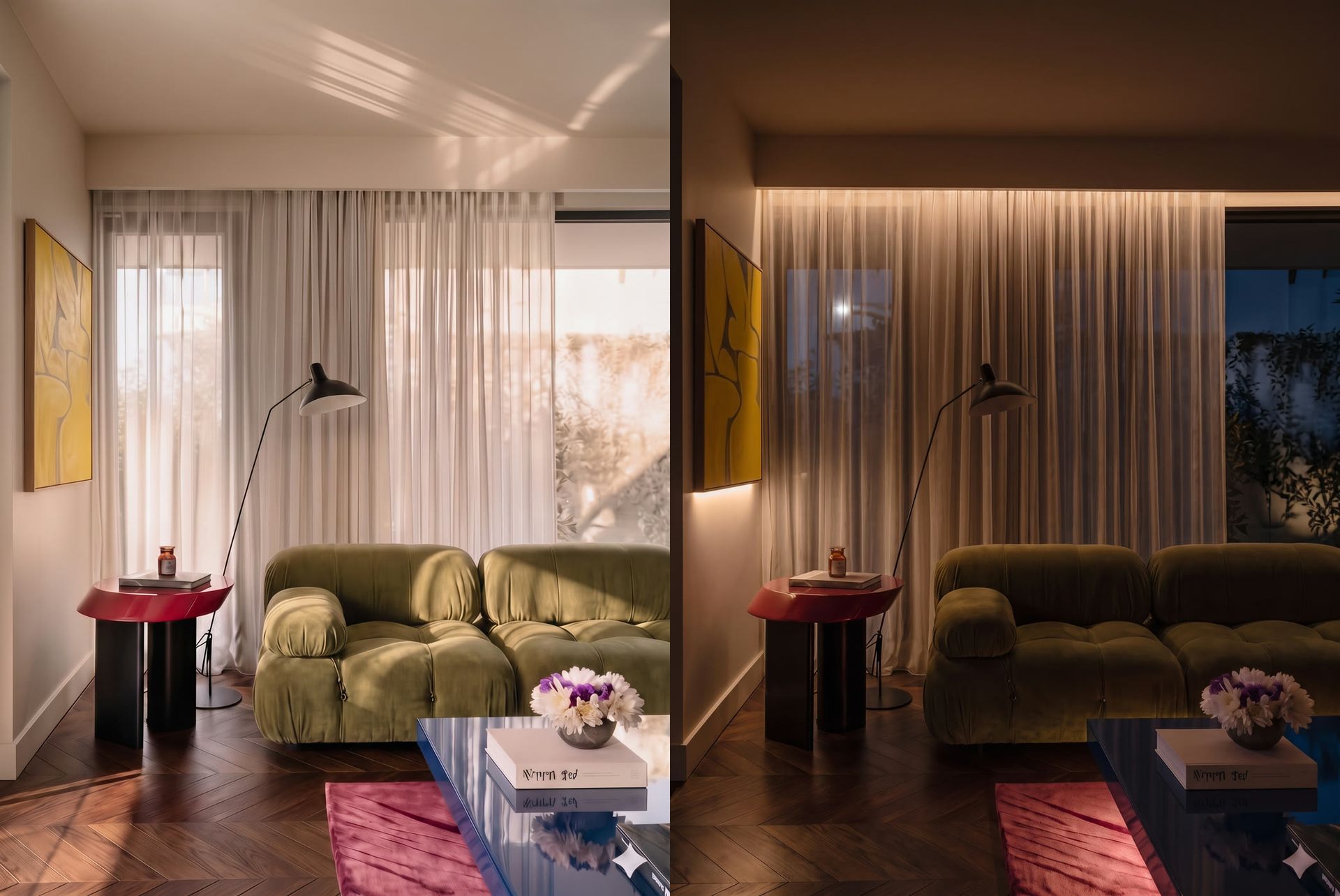
Yes. A staged living room at dusk, with lamps on, often sells better than the same room at noon. Use Relight on the staged photo before animating it. See our guide to virtual twilight photos with Relight. More workflows live in Real Estate & Interiors.
Still have questions?
What is virtual staging?
Adding furniture and decor to photos of an empty room digitally, so buyers can picture living there without renting furniture.
Can I make a video of a virtually staged room?
Yes. Stage the photo in the image editor, then use the staged image as a scene in Space Motion to get camera movement and an edit.
Do I need to disclose virtual staging in a listing?
In many markets you do. Check your local rules and label staged images and videos clearly.
Will the AI change the walls or windows?
It can. Ask it to keep walls, floors, windows and doors unchanged, and compare before and after carefully.