On this page
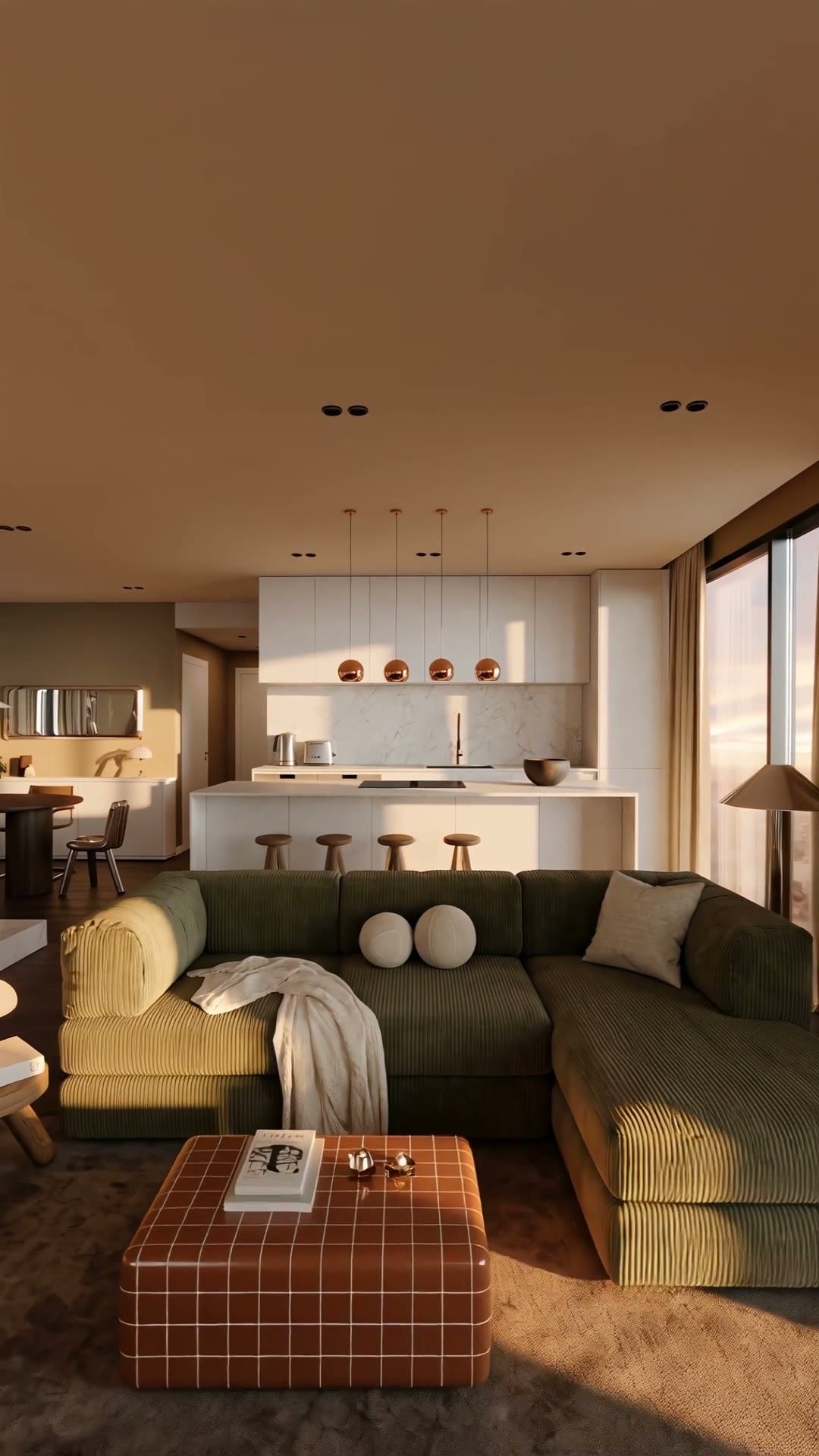
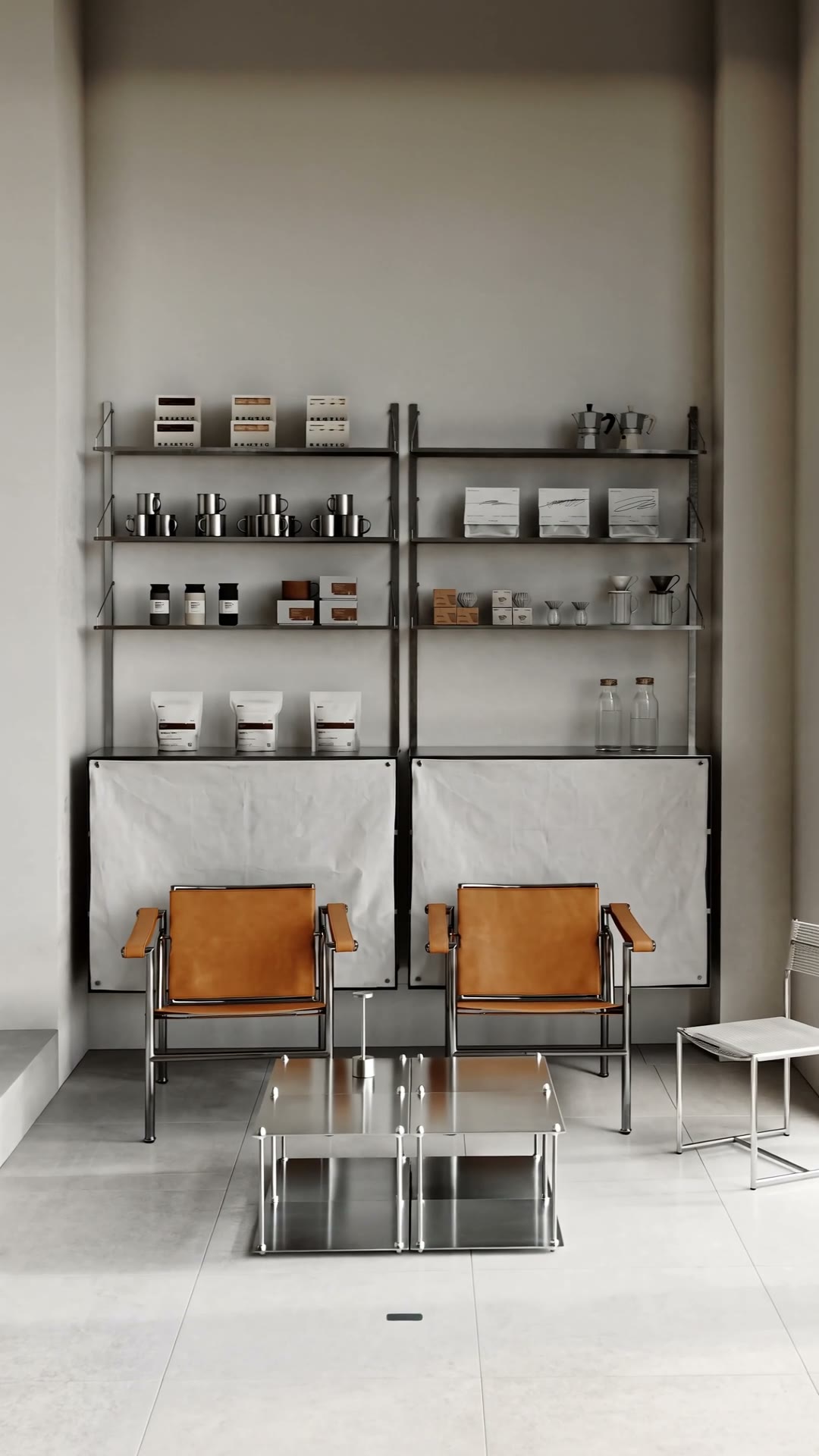
Space Motion is Lupa's tool for turning photos of a room into a cinematic video. You upload a few pictures of a property, Lupa adds detail shots, moves a virtual camera through each space and cuts the result to music. What used to need a gimbal, a videographer and an editor now takes a storyboard and a few minutes.
It was built for interior designers, architects and real estate agents: people who have great photos of a space and need a video for a listing, a portfolio or social media.
How does Space Motion work?
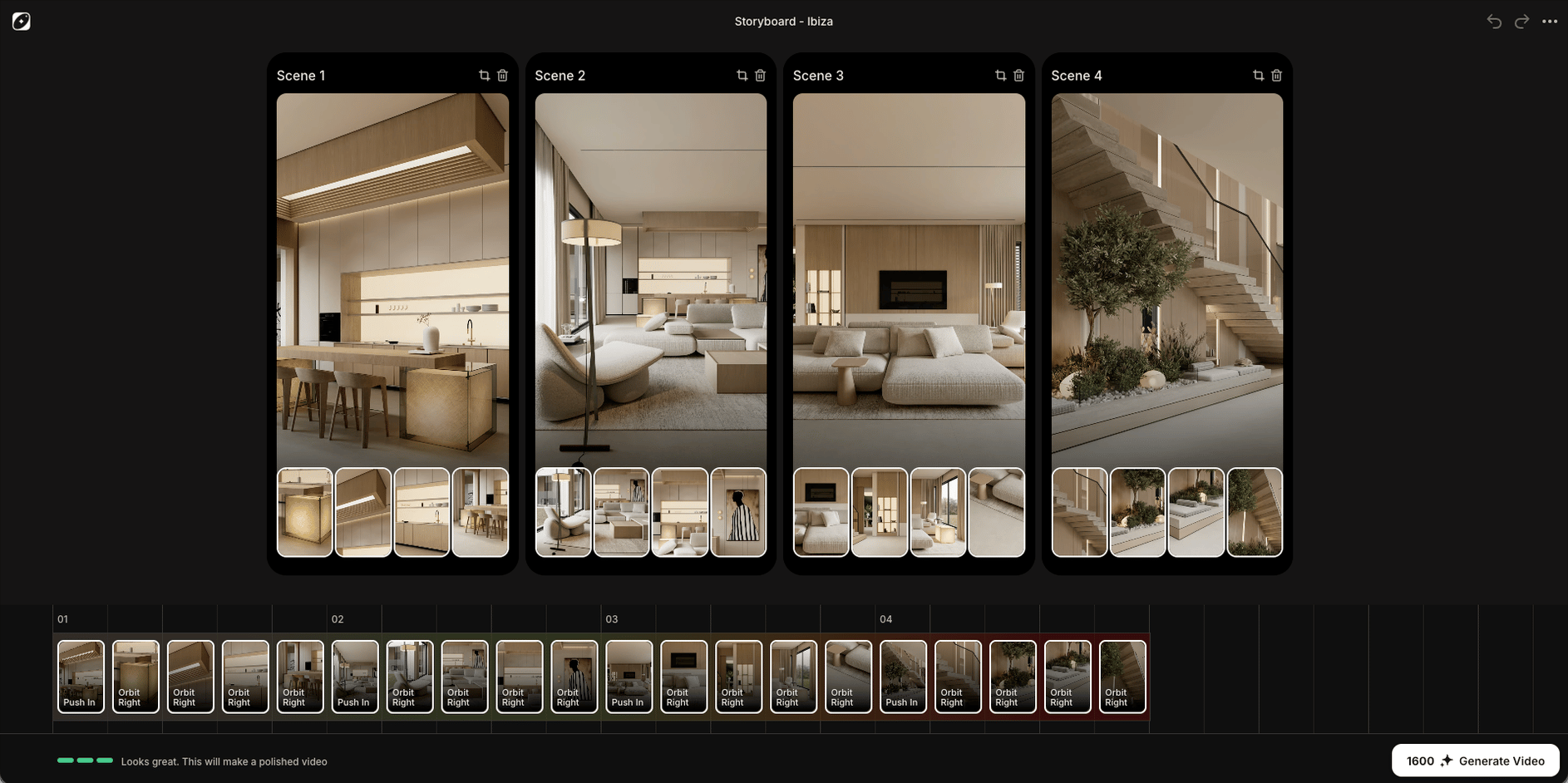
A Space Motion project is built from three things:
- Scenes. Each scene is one photo of one room, uploaded by you. The order of the scenes is the order of the final video.
- Close-ups. For each scene, Lupa can generate up to 4 detail images (a lamp, a texture, a view through the window) using your room photo as the reference, so they match the space.
- The edit. When you generate, every image becomes a short shot with a camera move, and Lupa assembles them into one video with the edit style you picked.
You choose the format when you create the project: landscape (16:9) for listings and YouTube, or portrait (9:16) for Reels and TikTok. Every project renders at 1080p.
What camera movements can I use?
Each shot has its own camera movement, picked from a fixed library of 11:
| Movement | What the camera does |
|---|---|
| Push In / Push Out | Moves toward or away from the room |
| Orbit Left / Orbit Right | Circles around the centre of the shot |
| Truck Left / Truck Right | Slides sideways, parallel to the wall |
| Tilt Up / Tilt Down | Pivots up or down from a fixed point |
| Boom Up / Boom Down | Rises or lowers vertically |
The establishing shot of each room starts as a Push In, and close-ups start as an Orbit Right. You can change any of them from the timeline. Subtle moves read best, because the edit speeds shots up to land on the beat. For a deeper dive, see camera movement prompts for interior video.
What edit styles are there?
There are three edit styles, each cut to its own soundtrack:
- Cinematic: slower, calm pacing for high-end properties.
- Lowky: understated, relaxed rhythm.
- Upbeat: fast cuts and speed ramps for social media.
The cuts are timed to the music, so the video feels edited rather than stitched together.
How much does it cost?
Space Motion has two separate costs, both shown before you spend anything:
- Close-ups: 5 tokens each, charged when you generate them.
- Generate: 80 tokens per image in the storyboard (room photos and close-ups alike).
A project with 4 rooms and 4 close-ups (8 images) costs 640 tokens to generate. Your first Space Motion generation is 50% off. If a generation fails, the tokens go back to your balance. See pricing for how many tokens each plan includes.
How many photos do I need?
You need at least 5 images to generate, for example 5 rooms, or 3 rooms plus 2 close-ups. The storyboard's quality meter turns green at 8 images with at least one close-up, and a project holds up to 20 images in total. Photos must be under 20 MB each.
Who is Space Motion for?
- Real estate agents who need a listing video without booking a videographer. Our step-by-step guide covers making a real estate video from listing photos.
- Interior designers and architects who want to show finished projects on Instagram or in a portfolio.
- Rental and hospitality hosts who want a short tour for their listing.
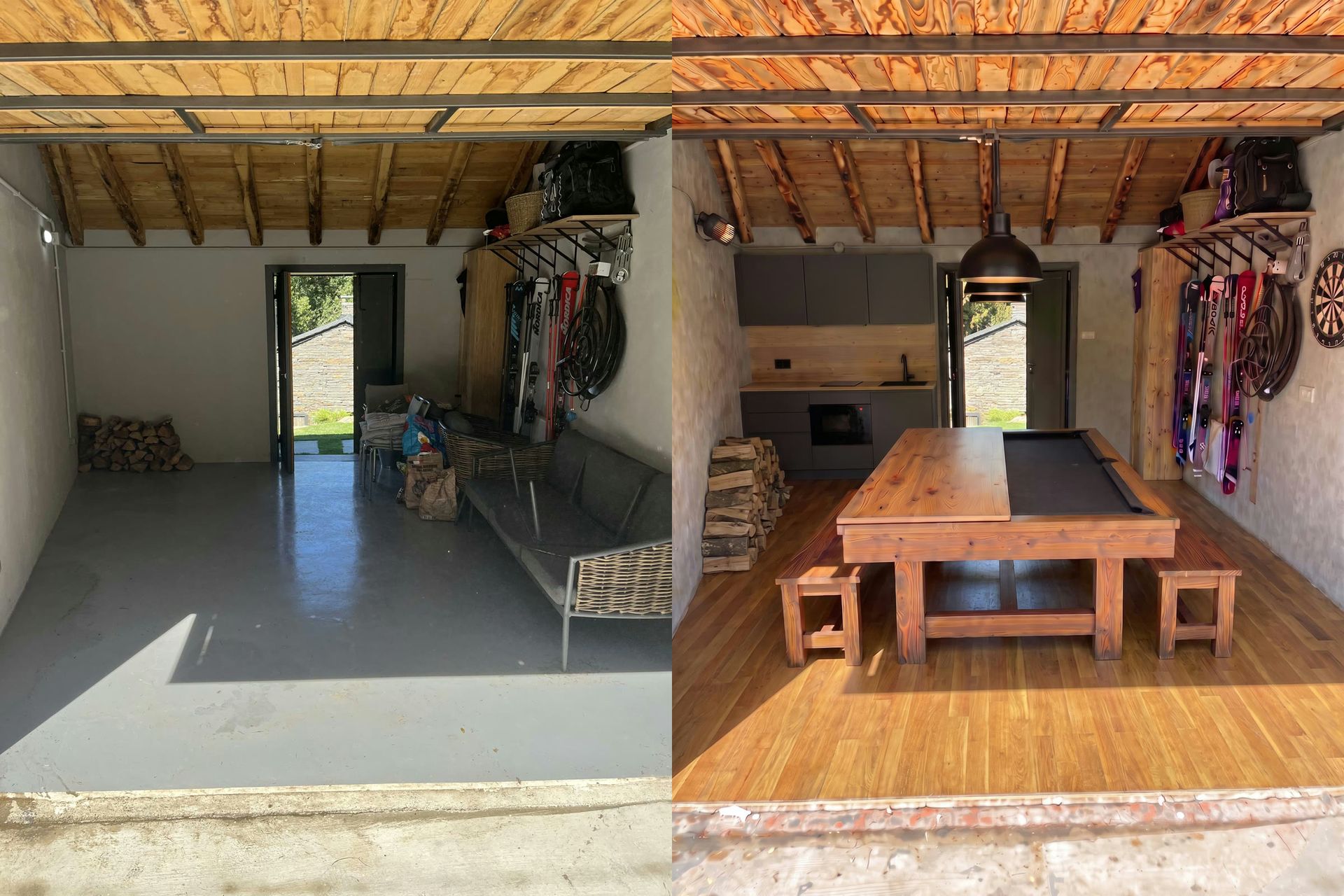
If the rooms are empty, you can stage them first: see virtual staging video.
Where do I start?
Open Space Motion, create a project, choose portrait or landscape and upload your first rooms. The editor runs in your desktop browser. For more ideas, browse the Real Estate & Interiors section of the blog.
Still have questions?
How many photos do I need for Space Motion?
At least 5 images in total, counting room photos and AI close-ups. Around 8 gives the edit enough variety, and a project can hold up to 20.
What resolution and formats does Space Motion export?
Every project renders at 1080p, in landscape (16:9) or portrait (9:16). You choose the format when you create the project.
How much does a Space Motion video cost?
80 tokens per image in the storyboard when you generate, plus 5 tokens for each AI close-up you create. Your first generation is half price.
Can I choose the camera movement?
Yes. Every shot has a movement picker with 11 options such as Push In, Orbit Left or Boom Up. If you don't pick, the main shot of each room uses Push In and close-ups use Orbit Right.
Do I need to write prompts?
No. You upload photos, arrange the storyboard and pick an edit style. Close-up ideas and camera prompts are written for you.