 Lupa Team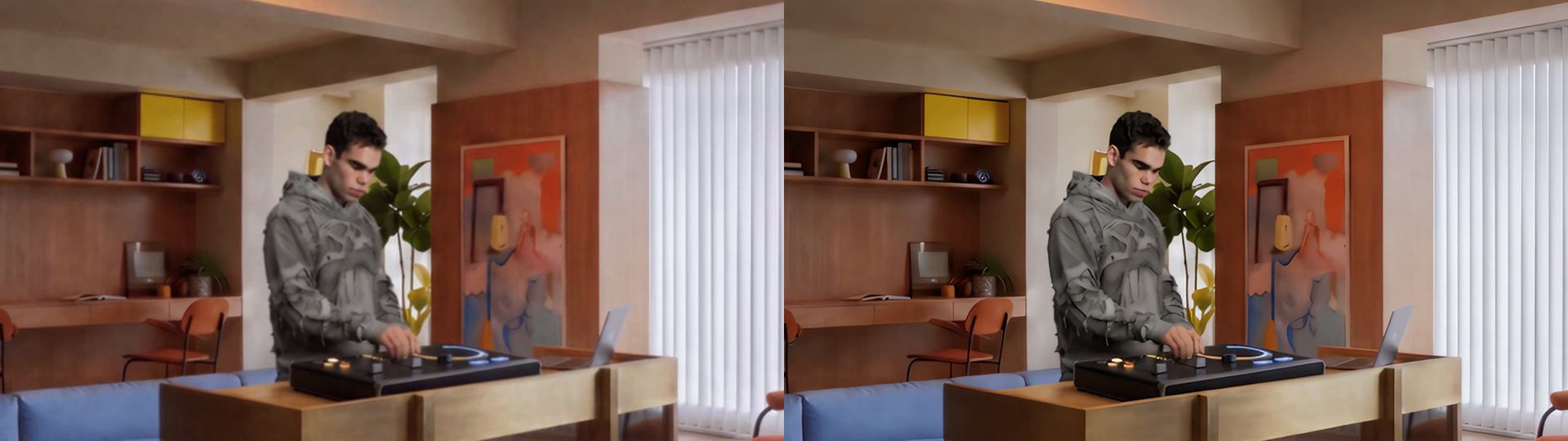
On this page
Old footage, AI-generated clips and phone videos often look soft on a large screen. An AI video upscaler can take them to 4K with sharper detail and cleaner edges. This guide shows how to upscale a video to 4K in Lupa's Video Upscaler, and when to choose each of its two engines: Standard, powered by Topaz, and Pro, powered by ByteDance.
What are Lupa's two video upscale engines?
The Processing type menu in the Video Upscaler switches between two engines:
| Feature | Standard | Pro |
|---|---|---|
| Engine | Topaz Starlight Precise 2.5 | ByteDance video upscaler |
| Output | Original, 1080p or 4K | 1080p, 2K or 4K |
| Frame rate | 25, 30, 60, 90, 120 fps | 24, 30, 60, 120 fps |
| Best for | Real footage, faces, fine texture | AI-generated clips, less flicker, faster processing |
"4K" means a short side of 2160 pixels, with your clip's aspect ratio preserved: a 16:9 clip comes out at 3840×2160, a 9:16 clip at 2160×3840.
How do I upscale a video to 4K step by step?
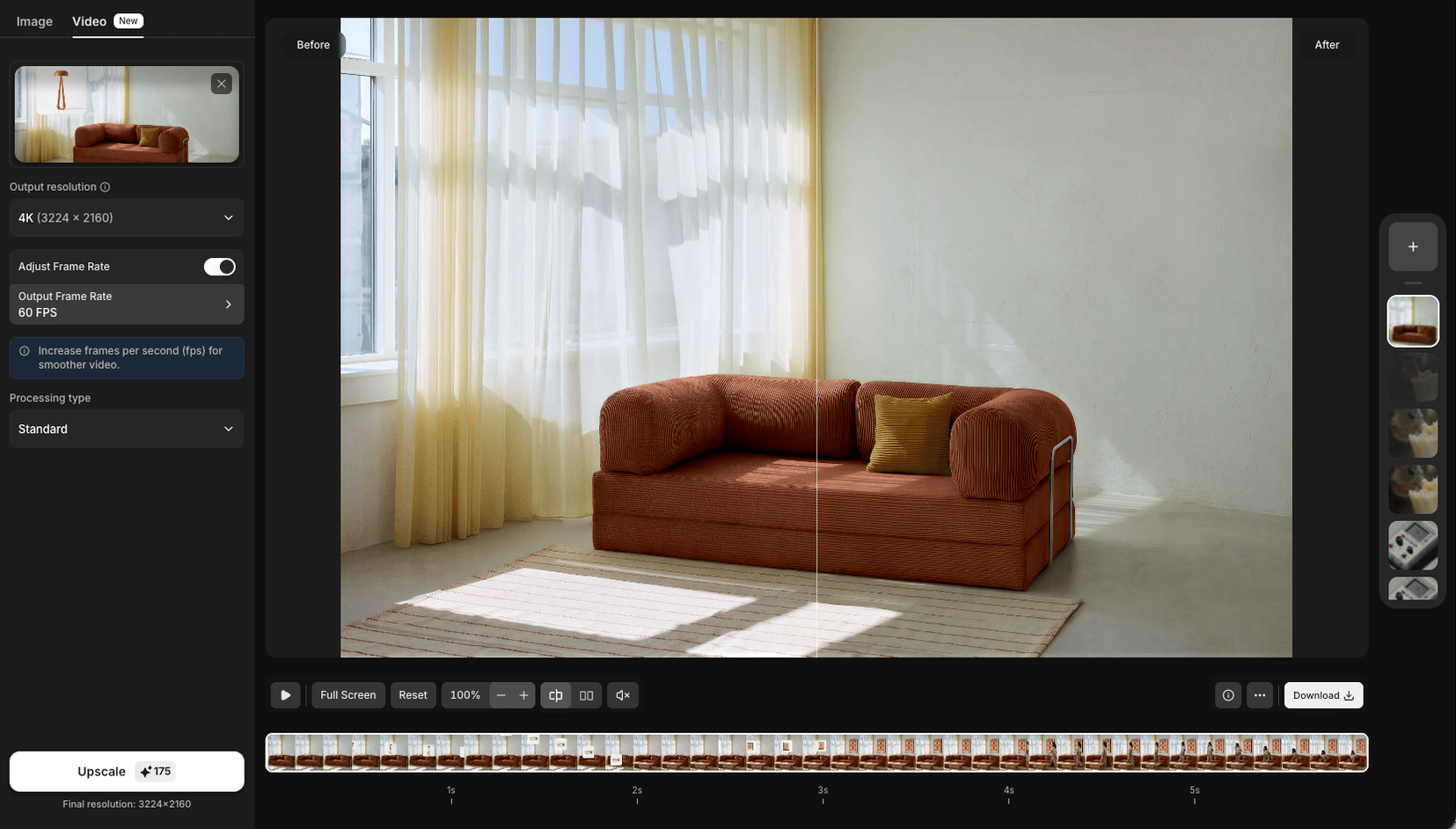
- Open the Video Upscaler and upload your clip, or pick one from your library.
- Choose the Processing type: Standard or Pro. Pro also asks for a Content type, such as AI-generated for Seedance clips; it does not change the cost.
- Choose the output resolution: 4K.
- Optional: Turn on Adjust Frame Rate and pick a higher frame rate for smoother motion.
- Check the token cost on the button, then upscale.
How does frame interpolation work?
When you raise the frame rate above your clip's original rate, the Standard engine runs a second model (Topaz Apollo) that generates new frames in between the existing ones. A 24 fps clip at 60 fps looks noticeably smoother, which is useful for slow motion and for AI clips that feel choppy.
If you pick a frame rate equal to or below the original, no frames are generated.
What are the limits?
- No fixed length limit. Longer clips simply take longer and cost more tokens; the cost shows before you start.
- The output's long side is capped at 5,760 pixels, so very wide clips come out slightly below full 4K on the short side.
- Available on Pro, Premium and Business plans.
- The cost depends on length, resolution and frame rate, and is shown before you start.
Which videos benefit most from upscaling?
Not every clip gains the same from AI upscaling. The biggest improvements come from:
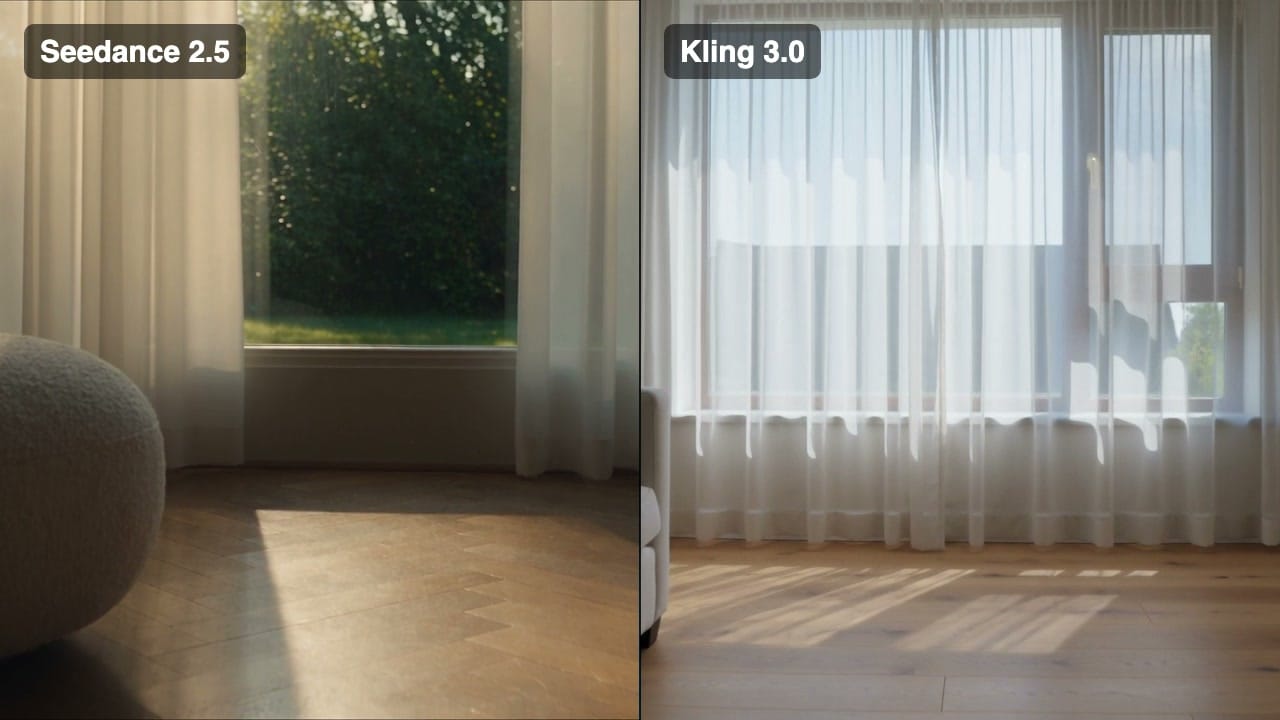
- AI-generated video. Models like Seedance and Kling are often drafted at 720p. Upscaling the final take to 4K is cheaper than generating at a higher resolution, and it sharpens textures the model rendered softly.
- Older digital footage shot at 720p or on early phones, where the problem is resolution rather than blur.
- Screen and interview recordings that will be shown on a large display.
The gains are smaller on clips that are badly out of focus, heavily compressed (blocky artifacts from messaging apps) or very dark and noisy. An upscaler reconstructs detail it can infer; it can't recover a face that was never in focus. For those, expect a cleaner image rather than a transformed one, and test a short section before upscaling a long clip.
Tips for the cleanest 4K upscale
- Start from the best source you have. Upscale the original file, not a re-compressed download.
- Upscale last. Trim and colour-correct first, then upscale the final cut.
- Don't over-boost frame rate on fast action with motion blur; 60 fps is usually plenty.
- AI video? Generate at 720p to save tokens, then upscale the take you like. See Seedance 2.5 vs Kling 3 for which model to draft with.
Upscaling photos instead? Read the best AI image upscalers in 2026. You can also run upscales from Claude or ChatGPT with the Lupa MCP. More tutorials are in Guides.
Still have questions?
Can AI really upscale a video to 4K?
Yes. AI upscalers reconstruct detail frame by frame rather than just stretching pixels, so 720p or 1080p footage can come out much sharper at 4K. Very blurry or heavily compressed clips improve less.
What's the difference between Standard and Pro?
Standard uses Topaz's Starlight model; Pro uses ByteDance's upscaler and renders at fixed 1080p, 2K or 4K tiers. Both can change the frame rate.
Can I increase the frame rate as well?
Yes. Turn on Adjust Frame Rate: Standard offers 25, 30, 60, 90 or 120 fps, Pro offers 24, 30, 60 or 120 fps. When you raise the rate, new in-between frames are generated for smoother motion.
Which plans include video upscaling?
Video upscaling is available on Pro, Premium and Business plans.
How long can the video be?
There's no fixed length limit. Longer clips take longer to process and cost more tokens, and you see the cost before you start.