 Mateo Fuster-Fabra Pierre
On this page
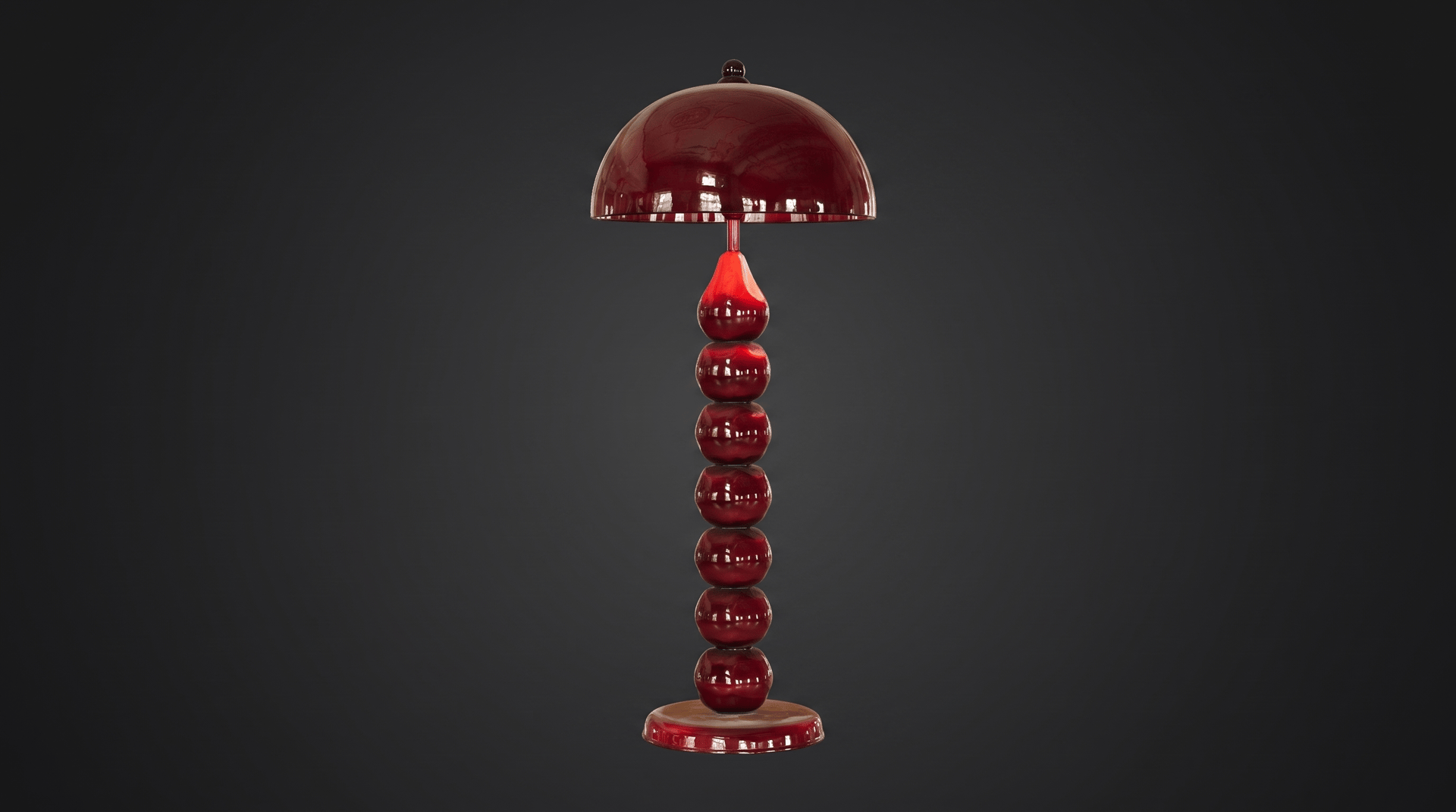
Turn a photo of any object into a 3D model, right from Claude. Setup takes about a minute.
Step 1: Copy the Lupa connector URL
Copy this address. You will paste it in Claude in the next step.
https://mcp.lupa.art/mcp
Step 2: Add Lupa to Claude
- Open Claude on your computer (the desktop app or claude.ai).
- Go to Customize, then Connectors.
- Click to add a custom connector.
- Name it Lupa and paste the URL from step 1.
Step 3: Sign in to Lupa
Click Connect and sign in with your Lupa AI account, or create one for free. Lupa is now connected to Claude and your 200 free tokens are ready.
Step 4: Upload your photo and ask for the 3D model
Open a new chat in Claude, attach a photo of your object and send:
Create this object for me in 3D using Lupa.
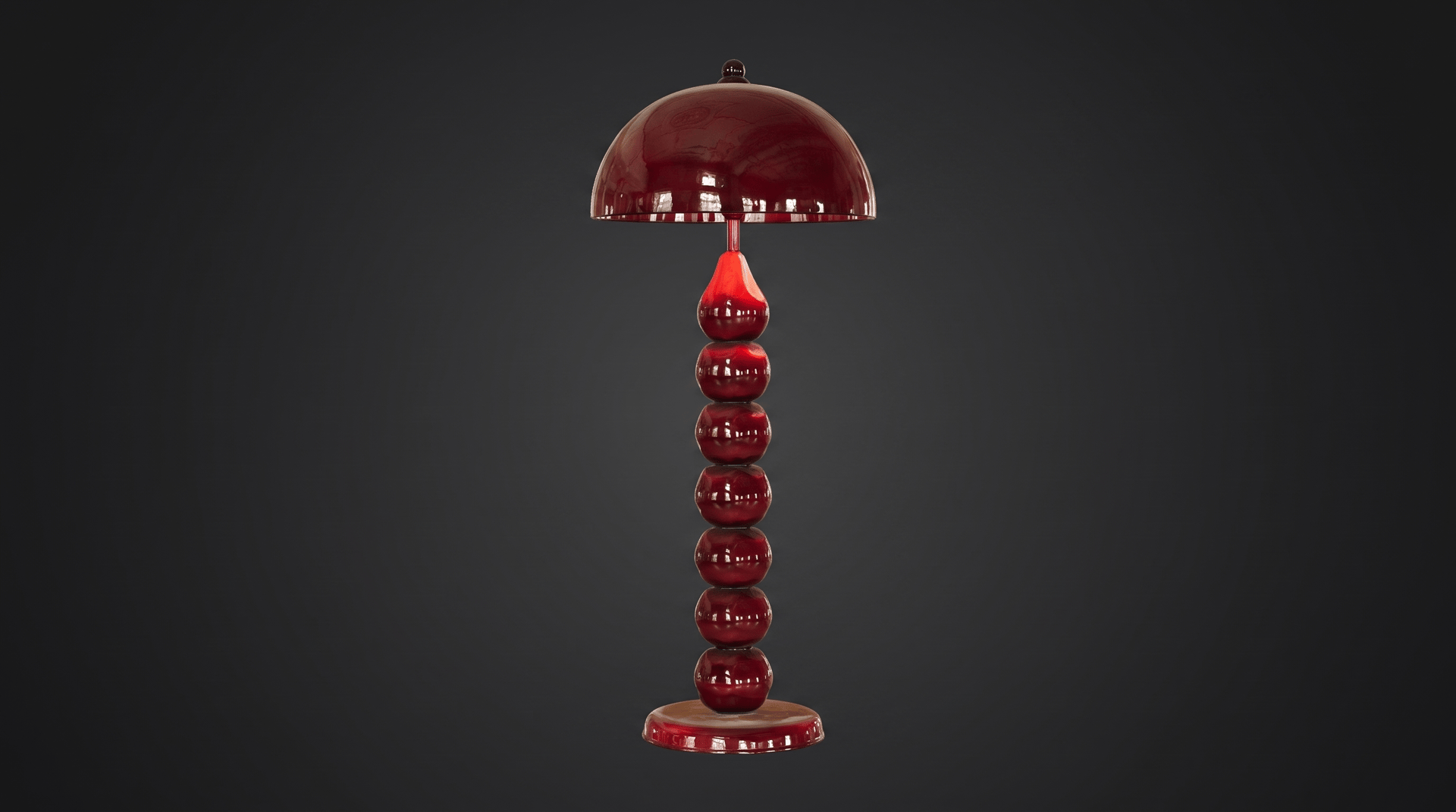
Claude writes the perfect prompt and Lupa AI builds your 3D model in a few minutes.
Step 5: Open and export your model
Open the model, rotate it and click Export to download it.
Still have questions?
Is the Lupa MCP free to connect?
Yes. Connecting it is free and gives you 200 free tokens to start creating.
Does it work with ChatGPT?
Yes. The same connector URL works in ChatGPT, Claude Code and other AI agents. The setup for each one is on the Lupa MCP page.
Can I export the 3D model?
Yes. Open the model in Lupa AI and click Export to download it.