















 Lupa Team
On this page
MAGI-2 is the new video model from Sand AI, and you can use it on Lupa AI today. It turns a prompt, images, video clips and audio into up to 30 seconds of 1080p video, with sound generated in the same pass.
This guide covers what MAGI-2 is, its specs, what it costs on Lupa, and how to get good results with it.
What is MAGI-2?
MAGI-2 is a video generation model made by Sand AI, the team behind the open source MAGI-1. The full model was announced on November 24, 2026, after an open research preview in August.
Three things set it apart:
- Length: One generation can run up to 30 seconds. Most video models stop at 10 to 15.
- Native sound: Dialogue, effects and ambience are generated with the picture, not added afterwards.
- References: You can guide a shot with up to 10 images, 5 video clips and 5 audio clips at once.
Sand AI says MAGI-2 is a 480B parameter model and that open weights and a technical report are coming. Neither has a date yet.
MAGI-2 specs
| Spec | MAGI-2 on Lupa |
|---|---|
| Resolution | 1080p |
| Duration | 4 to 30 seconds, in whole seconds |
| Aspect ratios | 21:9, 16:9, 4:3, 1:1, 3:4, 9:16 |
| Sound | Included, at no extra cost |
| Reference images | Up to 10 (30 MB each) |
| Reference videos | Up to 5, each 2 to 30 seconds, 30 seconds in total |
| Reference audio | Up to 5, each 2 to 30 seconds, 30 seconds in total |
| Prompt length | Up to 15,000 characters |
How much does MAGI-2 cost on Lupa?
MAGI-2 costs 17 tokens per second of video. The price is flat: sound and references don't change it.
| Clip length | Tokens |
|---|---|
| 5 seconds | 85 |
| 10 seconds | 170 |
| 15 seconds | 255 |
| 30 seconds | 510 |
On the Pro plan (3,500 tokens a month) that is 41 clips of 5 seconds, or 6 full 30 second clips. See every plan on the pricing page.
That makes it one of the cheapest 1080p models on Lupa, especially if you want sound:
| Model | 5 seconds at 1080p |
|---|---|
| MAGI-2 (sound included) | 85 tokens |
| Kling 3.0 + audio | 120 tokens |
| HappyHorse | 145 tokens |
| Kling 4.0 | 190 tokens |
| Seedance 2.5 | 425 tokens |
How to use MAGI-2 on Lupa
- Open Video generation and pick MAGI-2 in the model menu.
- Choose a mode: References or Frames (more on each below).
- Add your images, clips or audio, and write the prompt.
- Set the length (4 to 30 seconds) and the aspect ratio.
- Check the token cost on the button and click Generate.
References mode
Use References when you want MAGI-2 to keep a character, product, place or voice consistent, without fixing the exact first frame. Attach up to 10 images, 5 videos and 5 audio clips, and mention them in the prompt by their label: Image 1, Video 2, Audio 1.
With no references attached, this mode works as plain text to video.
Frames mode
Use Frames when the video has to start on a specific picture, such as a render, a listing photo or a product shot. Add the start frame and describe what happens next. The video keeps the aspect ratio of your image.
Prompt tips for MAGI-2
- Write it like a shot list. For a long clip, describe the moments in order: what we see first, how the camera moves, what changes, how it ends.
- Say what we should hear. MAGI-2 makes the sound too, so name it: footsteps on wood, rain on glass, a line of dialogue in quotes.
- Point at your references. "The sofa from Image 1" works better than "the sofa".
- One camera move per beat. A slow push in, then a pan, reads better than five moves at once.
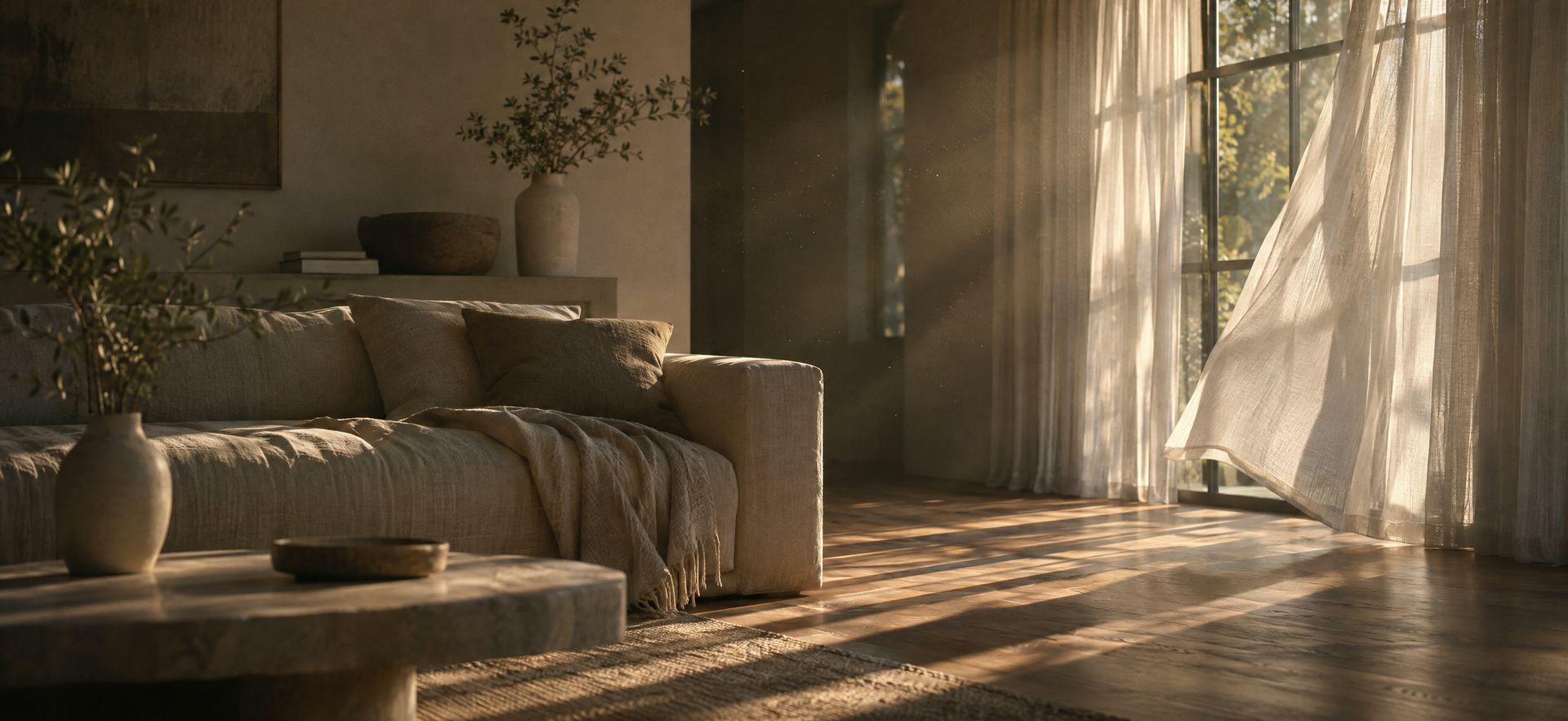
A slow push in through the front door of a bright Scandinavian living room in the morning. Sunlight falls across the oak floor. The camera glides past the sofa from Image 1 and stops on the window, where the sheer curtain moves in a light breeze. Soft birdsong outside, a quiet room tone, the faint creak of the floor.
A product shot of the perfume bottle from Image 1 on wet black stone. Drops of water roll down the glass as the camera orbits slowly to the right. A deep, calm voice says: "Made for the evening." Low ambient music, the soft sound of water dripping.
MAGI-2 or another model?
- Choose MAGI-2 for long takes (15 to 30 seconds), clips that need sound, and shots built from several references.
- Choose Seedance 2.5 or Kling 4.0 when you already have a workflow and prompts that work with them. Our Seedance 2.5 prompt guide has examples.
- Choose Space Motion to turn a set of room photos into a full property video with planned camera moves.
All of them are in the same generator, so the quickest way to decide is to run the same prompt on two models and compare.
Still have questions?
What is MAGI-2?
MAGI-2 is a video generation model by Sand AI. It makes up to 30 seconds of 1080p video with native sound from text, images, video clips and audio.
Who made MAGI-2?
Sand AI, the company behind the open source MAGI-1 model. The full MAGI-2 model was announced on November 24, 2026.
How long can a MAGI-2 video be?
Between 4 and 30 seconds per generation, in whole seconds.
Does MAGI-2 generate sound?
Yes. Dialogue, effects and ambience are generated together with the video, and on Lupa the sound costs nothing extra.
How much does MAGI-2 cost?
On Lupa AI, MAGI-2 costs 17 tokens per second: 85 tokens for 5 seconds and 510 tokens for 30 seconds, at 1080p with sound.
Is MAGI-2 open source?
Sand AI released open weights for the MAGI-2 Preview and says it will publish weights and a technical report for the full model. No date has been given yet.
Where can I use MAGI-2?
MAGI-2 is available in Video generation on Lupa AI. Pick MAGI-2 in the model menu, choose References or Frames, and generate.